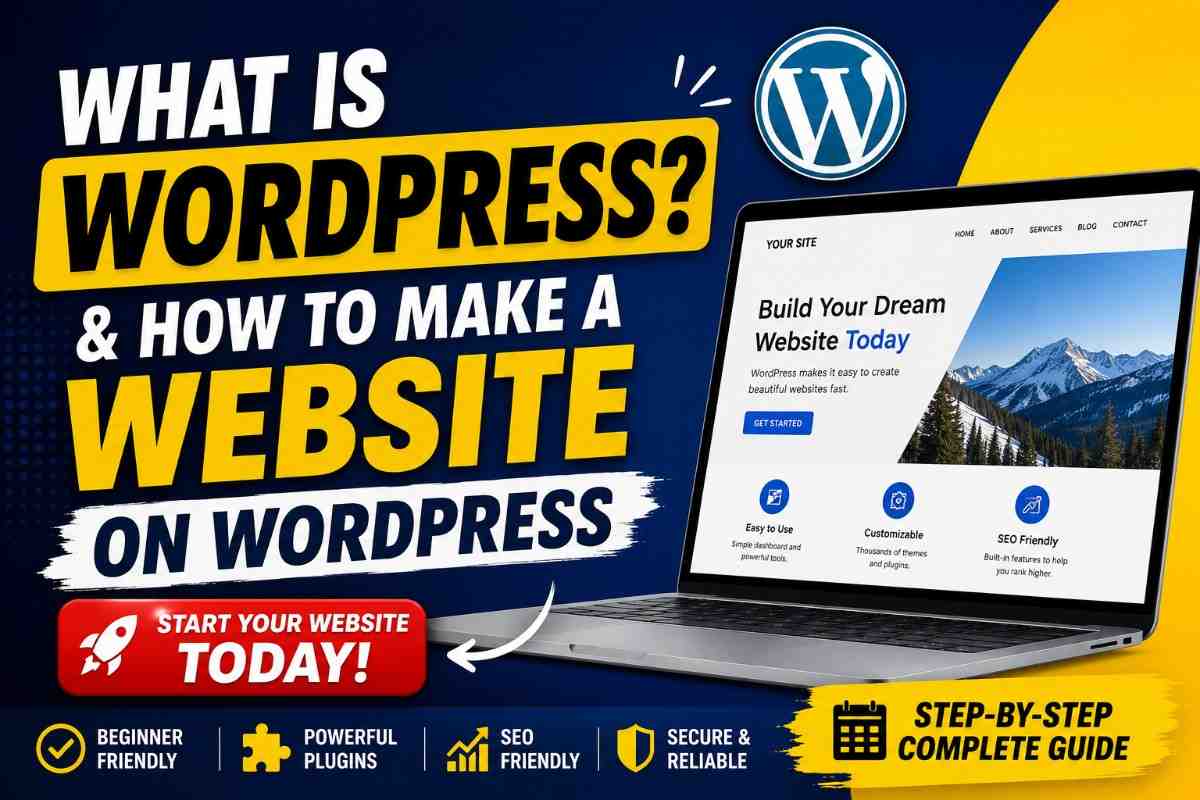
What Is WordPress and How to Make a Website on WordPress? Complete Beginner’s Guide
Creating a website once required coding knowledge, expensive developers, and long development time. Today, WordPress has changed that completely. Whether you want to create a personal blog, business website, portfolio, educational platform, news portal, or online store, WordPress allows you to build it without becoming a programmer.
If you are planning to launch your own website, this guide will help you understand WordPress from the beginning and show you exactly how to build a website step by step.
What Is WordPress?
WordPress is an open source Content Management System (CMS) that helps users create and manage websites easily through a visual dashboard.
Instead of writing HTML, CSS, or PHP manually, WordPress allows users to build pages, publish content, upload images, install features, and customize design with just a few clicks.
WordPress powers millions of websites across the world because it is flexible, beginner friendly, and highly scalable.
You can use WordPress to create:
• Personal blogs
• Business websites
• Educational portals
• College websites
• News websites
• Portfolio websites
• E commerce stores
• Membership platforms
• Booking systems
Types of WordPress
Many beginners get confused because there are two versions.
1. WordPress.com
This is a hosted platform where hosting is managed for you.
Good for:
Beginners
Personal blogs
Quick website setup
Limitations:
Less customization
Restrictions on plugins
2. WordPress.org
This is the self hosted version.
Good for:
Full ownership
Unlimited customization
Better SEO control
Professional websites
If you want complete control over your website, WordPress.org is generally the better choice.
Why WordPress Is So Popular
There are several reasons people choose WordPress.
Easy to Use
You can manage everything from the dashboard.
No Coding Required
Most tasks can be completed visually.
Thousands of Themes
Change your website appearance instantly.
Plugin Support
Add new features without building from scratch.
SEO Friendly
WordPress offers strong search engine optimization capabilities.
Mobile Responsive
Modern themes automatically adapt to phones and tablets.
How to Make a Website on WordPress Step by Step
Now let us create a website.
Step 1: Choose Your Domain Name
Your domain is your website address.
Examples:
mywebsite.com
yourbrand.in
example.org
Tips:
Keep it short
Easy to remember
Avoid complex spellings
Step 2: Buy Web Hosting
Hosting stores your website files.
Choose hosting based on:
Speed
Storage
Security
Customer support
Most hosting providers offer one click WordPress installation.
Step 3: Install WordPress
Usually:
Login to Hosting Panel
→ Open WordPress Installer
→ Click Install
→ Select Domain
→ Create Username and Password
Within a few minutes your website becomes live.
Step 4: Login to WordPress Dashboard
Open:
yourdomain.com/wp-admin
Enter:
Username
Password
Now you can manage your website.
Step 5: Install a Theme
Themes control website design.
Dashboard → Appearance → Themes → Add New
Choose:
Blog Theme
Portfolio Theme
Business Theme
Education Theme
Activate your selected theme.
Step 6: Install Essential Plugins
Plugins add extra functionality.
Recommended categories:
SEO Plugin
Security Plugin
Backup Plugin
Caching Plugin
Contact Form Plugin
Dashboard → Plugins → Add New
Install and activate.
Step 7: Create Important Pages
Every website should have:
Home
About Us
Contact
Services
Privacy Policy
Dashboard → Pages → Add New
Publish each page.
Step 8: Customize Website Design
Go to:
Appearance → Customize
Edit:
Logo
Colors
Fonts
Header
Footer
Make the website match your identity.
Step 9: Add Website Navigation Menu
Create menu:
Dashboard → Appearance → Menus
Add:
Home
Blog
Contact
Save changes.
Step 10: Publish Your Content
Start adding:
Articles
Images
Videos
Announcements
Dashboard → Posts → Add New
Write and publish.
WordPress SEO Tips
To get more visitors:
Write quality content
Use proper headings
Optimize images
Use internal links
Improve website speed
Submit sitemap
Make mobile friendly pages
SEO is a long term process but consistency brings results.
Common Mistakes Beginners Make
Choosing Too Many Plugins
Install only necessary plugins.
Ignoring Backups
Always keep backups.
Using Weak Passwords
Protect admin access.
Not Updating WordPress
Updates improve performance and security.
Publishing Without Planning
Create a content strategy.
Is WordPress Free?
WordPress software itself is free.
But you may need to pay for:
Domain
Hosting
Premium themes
Premium plugins
You can still start with a low budget.
Final Thoughts
WordPress remains one of the easiest and most powerful ways to build websites. Whether you are creating a blog, educational portal, company website, or portfolio, WordPress gives flexibility without requiring advanced technical knowledge.
Start simple, publish consistently, and improve gradually. Your first website does not need to be perfect. It just needs to go live.
Frequently Asked Questions (FAQ)
Q1. Is WordPress free?
Yes. WordPress software is free, but hosting and domain usually cost money.
Q2. Do I need coding knowledge to use WordPress?
No. Most websites can be built without coding.
Q3. Which is better: WordPress.com or WordPress.org?
WordPress.org gives more flexibility and ownership.
Q4. How long does it take to create a WordPress website?
A basic website can be built in a few hours.
Q5. Can I make an ecommerce website using WordPress?
Yes. You can create online stores using ecommerce plugins.
Q6. Is WordPress good for SEO?
Yes. WordPress is considered highly SEO friendly.
Q7. Can I use WordPress on mobile?
Yes. WordPress websites and dashboard support mobile usage.
Q8. Can I migrate my website later?
Yes. WordPress websites can usually be moved to another hosting provider.